Formats
One template, sized for every place you post.
You design a template once, and it renders to every shape you need: square for the feed, portrait, story, and landscape. Each shape is positioned on its own, so nothing looks stretched or cramped.
One creative, every format — the same design composed for each shape:
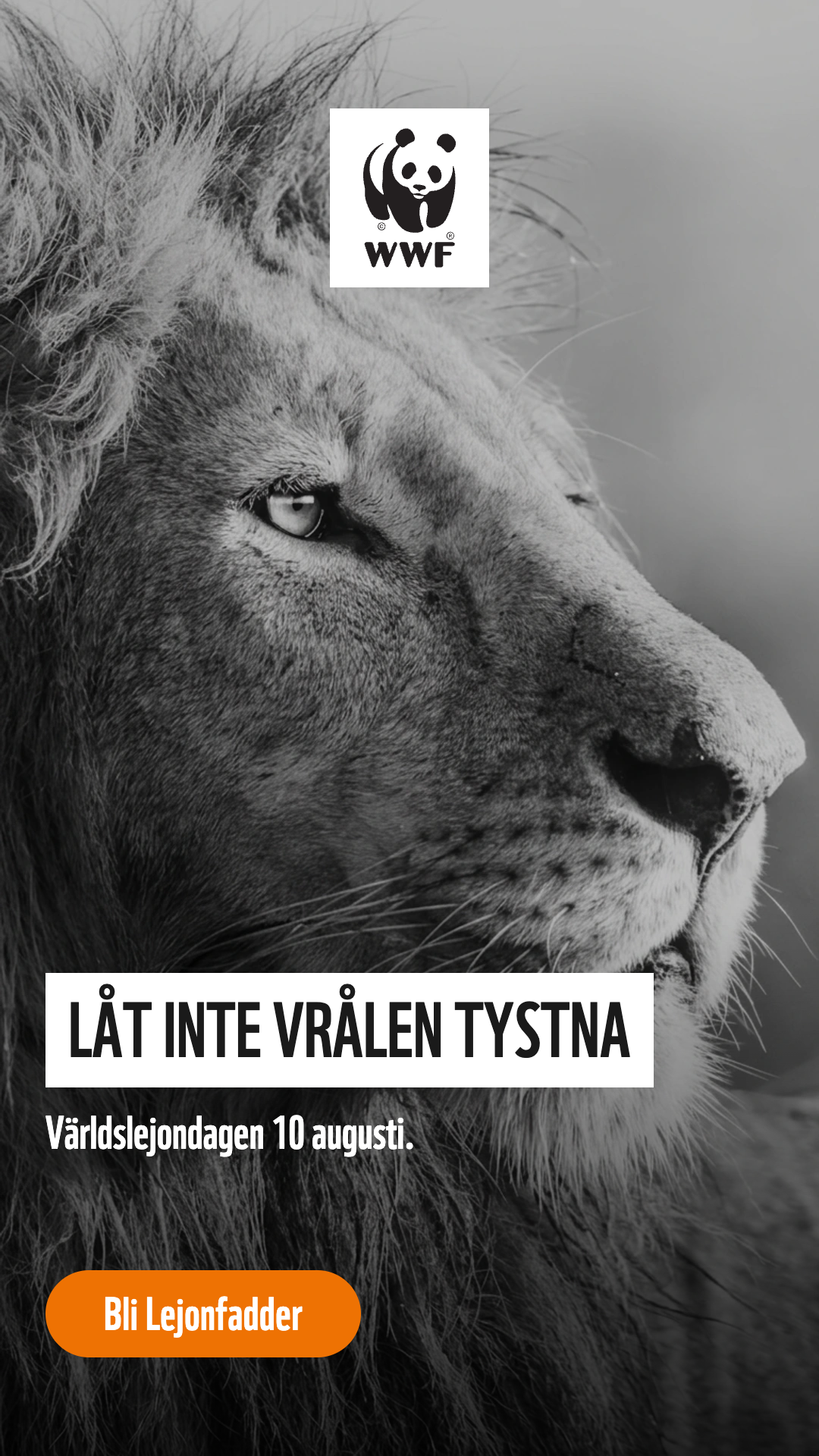
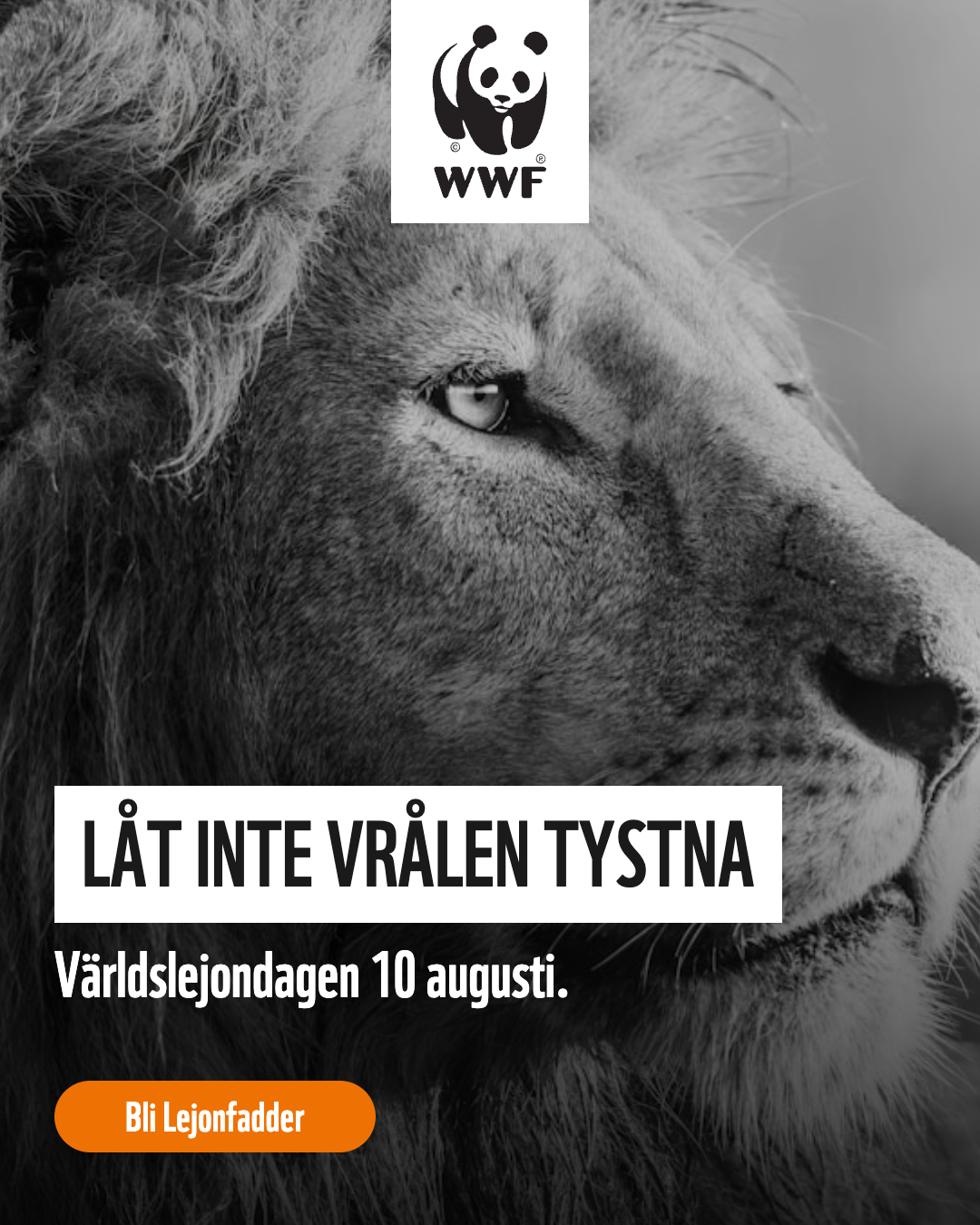
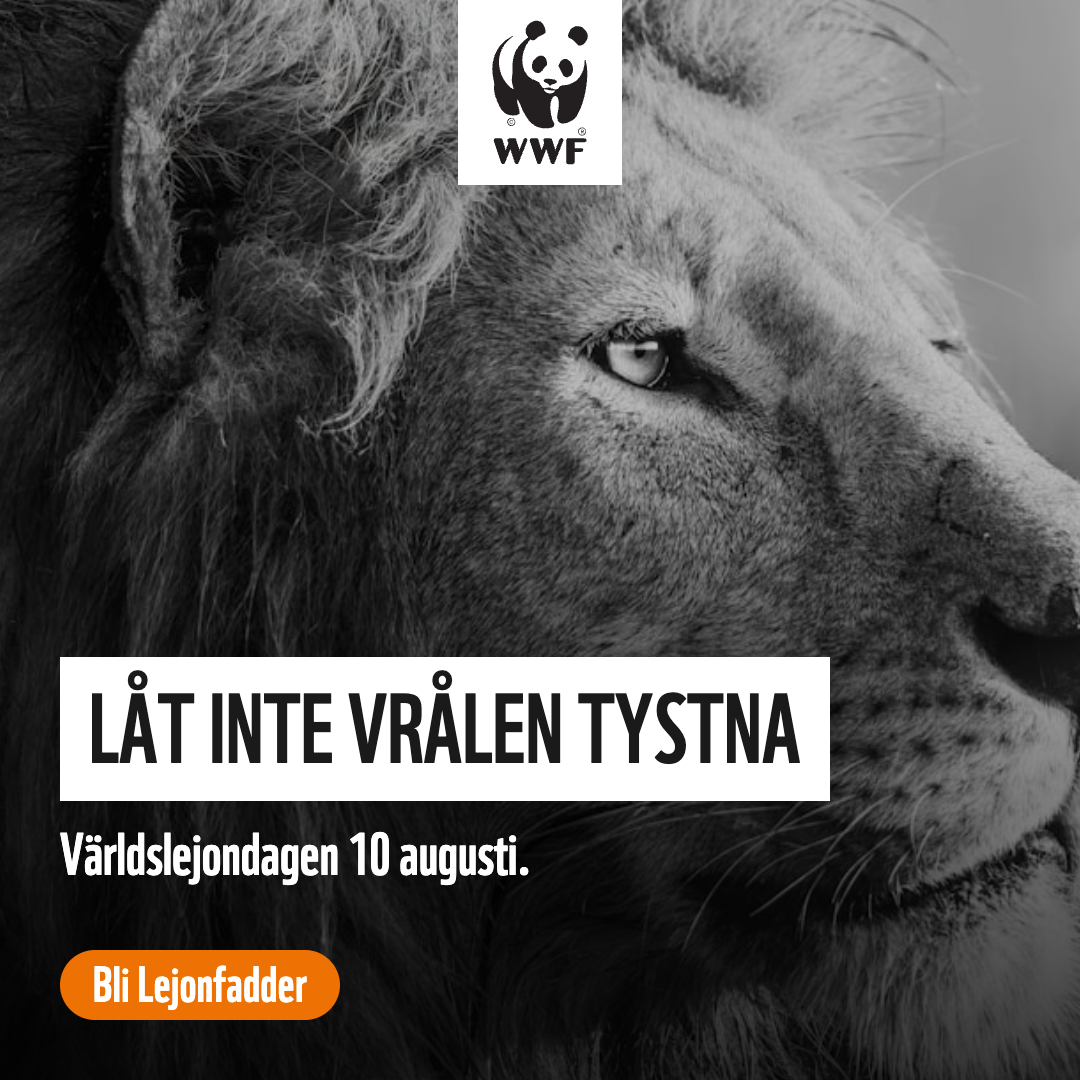
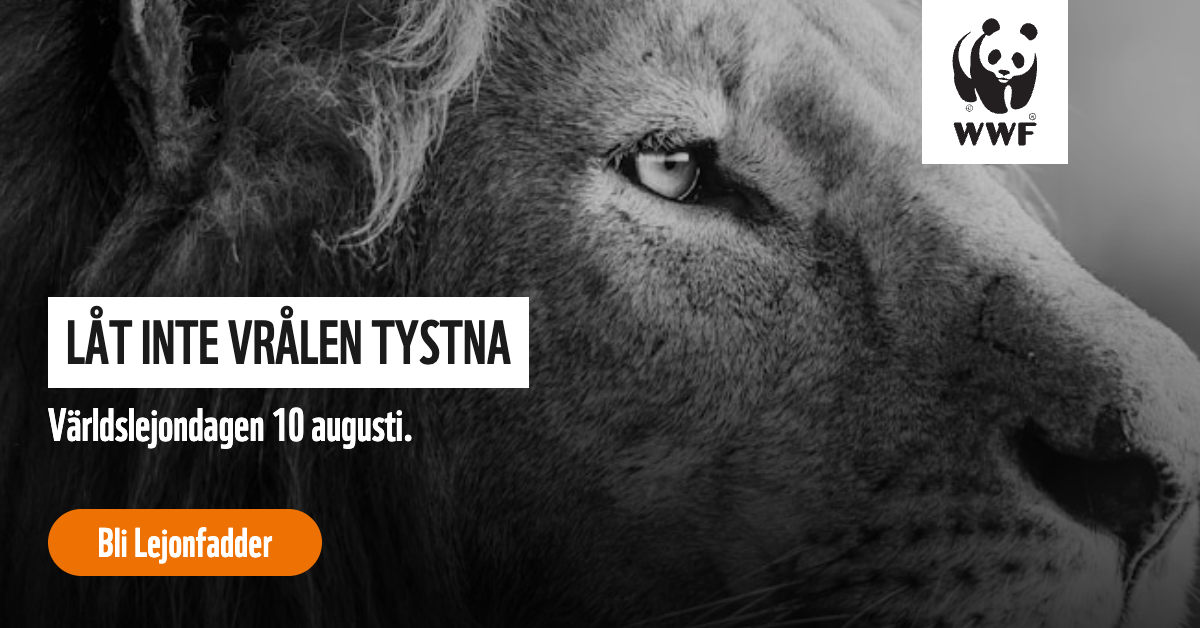
The usual sizes
- Square (1:1), 1080 by 1080
- Portrait (4:5), 1080 by 1350
- Story (9:16), 1080 by 1920
- Landscape (16:9), 1200 by 628
You design once
When a template is first set up for a brand, braaand fills in the other shapes by scaling your layout to fit each one. So you can lay out the square and get sensible versions of the rest for free, then adjust any shape that needs a different composition.
Adjusting one shape
Anything on an element can differ per shape: its position, size, font size, even its text, or whether it shows at all. The editor's scope toggle decides whether an edit changes every shape or just the one you're looking at. You can also hide an element on a single shape without removing it from the others.